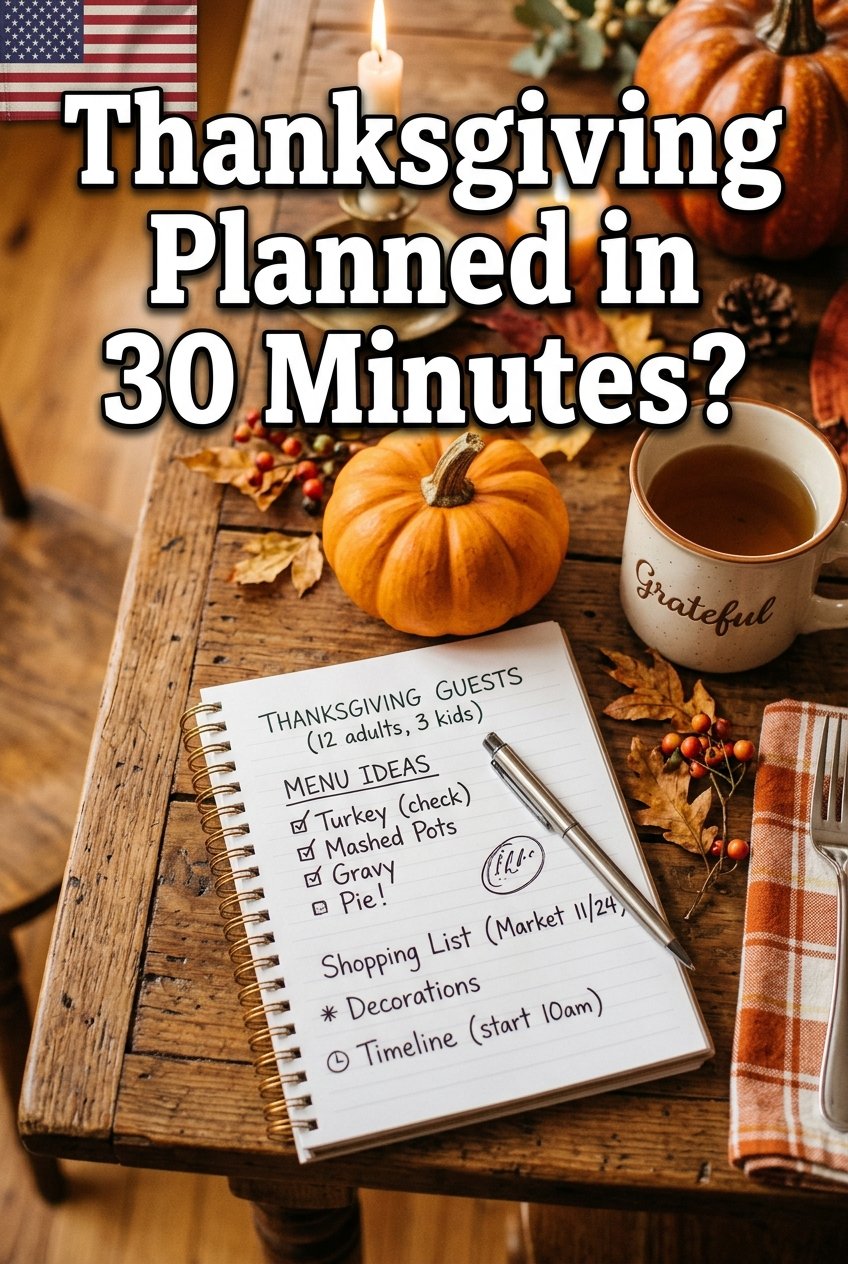
Thanksgiving hosting feels stressful mostly because the plan lives in your head. A simple printable planner puts the menu, the shopping list, the schedule, and the guest list on one page, so nothing gets forgotten. You can make your own in about 30 minutes with free tools, and reuse it every year.
What Your Planner Needs
A good Thanksgiving planner has five sections: the guest list, the menu, the shopping list, the cooking schedule, and the day-of timeline. Keep each section on its own part of the page so you can scan it at a glance while cooking. Fancy design is optional — clear boxes and big headings matter more.
Step 1: List Guests and Count Heads (5 Minutes)
Write down every guest, plus any dietary needs: vegetarian, gluten-free, nut allergy, or kids’ portions. Knowing the headcount decides the turkey size — plan about 1 to 1.5 pounds of turkey per person — and how many side dishes you need. Add a column for who is bringing a dish, so you do not double up on mashed potatoes.
Step 2: Plan the Menu Around What You Can Cook (10 Minutes)
Choose one main dish, three or four sides, one bread, and one or two desserts. Pick recipes you have made before for at least half the menu, and try only one new recipe on the day. Write the menu on the planner with the recipe source next to each dish, so you are not hunting for links on Thanksgiving morning.
Step 3: Build the Shopping List From the Menu (5 Minutes)
Go through each recipe and write every ingredient you do not already have, grouped by store section: produce, meat, dairy, bakery, pantry, and frozen. Add non-food items too — aluminum foil, storage containers, paper towels, and ice. Shopping from this list at Walmart or Target in one trip beats three last-minute runs.
Step 4: Make the Cooking Schedule (5 Minutes)
Work backward from serving time. If dinner is at 4:00 PM, the turkey needs to rest by 3:30, so it goes in the oven in the morning. Write each dish with its oven time and temperature, and note which dishes share the oven. Slow cookers and make-ahead dishes are your best friends — cranberry sauce, pie dough, and casseroles can be done a day or two early.
Step 5: Design the Printable (5 Minutes)
Use a free tool like Canva or Google Docs. Pick a simple template, add your five sections, and use a large, readable font. Add a small box at the bottom for notes, like “borrow extra chairs from Mom” or “pick up ice at 10 AM.” Print two copies: one for the kitchen, one for the fridge.
Free Design Tips That Make It Look Professional
Use one warm color, like burnt orange or sage green, for headings and keep the rest black and white — it prints cleanly and looks intentional. Leave white space between sections instead of cramming everything together. If you like, add a small turkey or pumpkin graphic from a free clipart library, but keep it subtle so the text stays the star.
Make It Reusable Year After Year
Laminate your planner or slide it into a clear sheet protector, then fill it in with a dry-erase marker each year. Save the digital file with the year in the name, like “Thanksgiving Planner 2026,” so you can update the guest list and menu next fall without starting over.
Frequently Asked Questions
Q: Do I need design skills to make a Thanksgiving planner? A: No. A simple table in Google Docs with five sections works perfectly. The planner’s job is to keep you organized, not to win a design contest. Q: How far ahead should I plan Thanksgiving? A: Start the guest list and menu two to three weeks ahead, shop for pantry items a week ahead, and buy fresh items two to three days before. The cooking schedule can be written the weekend before. Q: Can I share my printable with family? A: Yes, and you should. Send a photo or PDF to anyone bringing a dish so they know what is covered and what time to arrive.
A 30-minute planner turns Thanksgiving from a juggling act into a checklist. Make it once, use it every year, and spend the holiday enjoying your people instead of chasing your to-do list.